
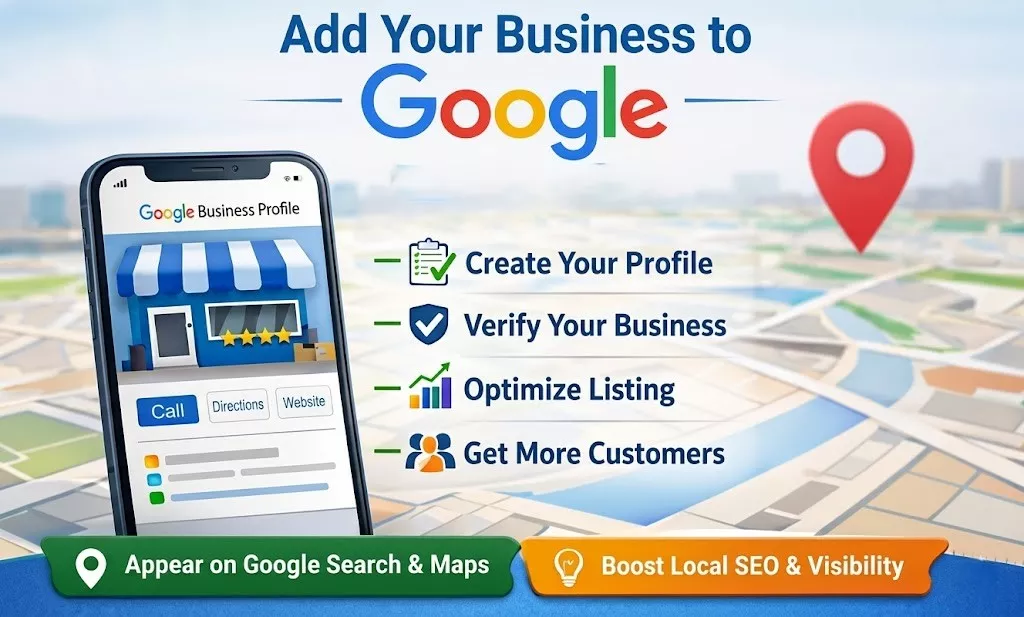
When someone searches for a service in their area, Google shows a map with nearby businesses before it shows website links. If you’re not on that map, you’re invisible to that search — no matter how good your website is.
A verified listing helps you appear in local search results, show up on Google Maps, and build trust through reviews, photos, and accurate business information.
This is the main reason why Google Business Profile Matters
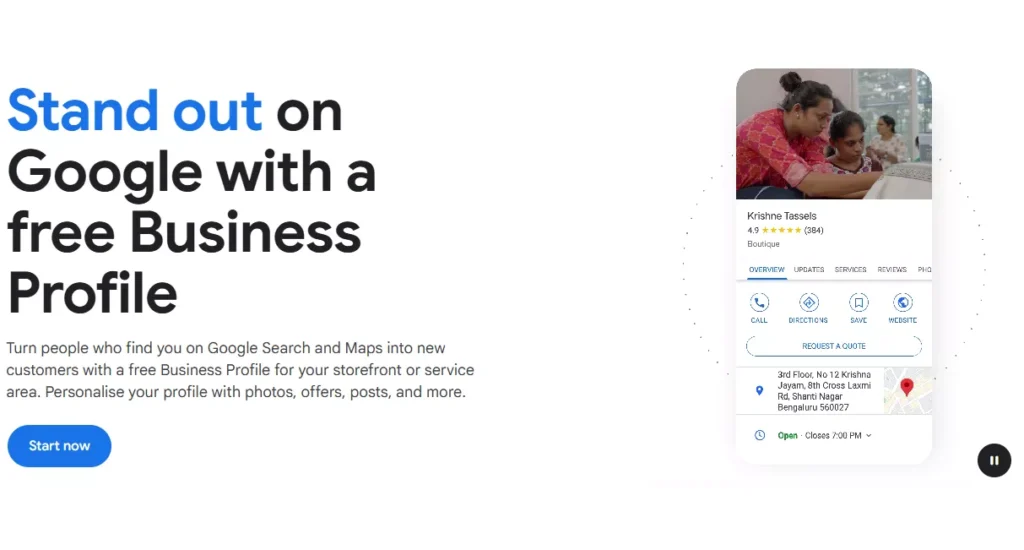
How to List Your Business on Google Maps
To list your business on Google Maps, you need to create a free Google Business Profile. This tool allows your business name, location, and hours to appear across Google Search and Maps.
Step 1: Get Your Documents Ready
Before creating the listing, have these ready:
- GST Certificate (name and address must match your business exactly)
- Address proof such as an electricity bill, rent agreement, or property document
- Any additional supporting documents — business registration, trade license, or utility bills
- Signage Board
One detail that trips people up often: the name on your shop’s signage board must match the name on your business documents exactly. Even a small spelling difference can cause issues during verification.
Step 2: Create the Profile
This includes selecting the correct business category, adding your address, setting business hours, writing a clear description, and uploading real photos of your storefront, products, or services.
Accuracy matters more than design here. Google checks for consistency between what you submit and what actually exists at that location.
Step 3: Verification
Most businesses are verified through a video verification process, where you show the business location, signage, and relevant documents on camera. This step is where many listings get flagged or suspended if anything looks inconsistent or unclear.
If your profile does get suspended, don’t panic. Suspensions are common, especially for new listings, and they can usually be resolved by submitting the right combination of documents and a clearer, more thorough verification video.
Step 4: Optimize After Approval
Once your profile is live, it’s not “set and forget.” Add more photos regularly, respond to reviews, post updates, and keep your business hours accurate. An optimized, active profile ranks better than one that’s just sitting there.
A Few Things to Keep in Mind
- A website is not required to get listed
- Suspensions don’t mean rejection forever — they usually mean Google needs more proof
- Consistency between your documents, signage, and listing details is the single biggest factor in getting approved
- Video verification is often the most overlooked step, and doing it properly the first time saves a lot of back and forth.
What To Do & Avoid When Google Business Profile Is Suspended?
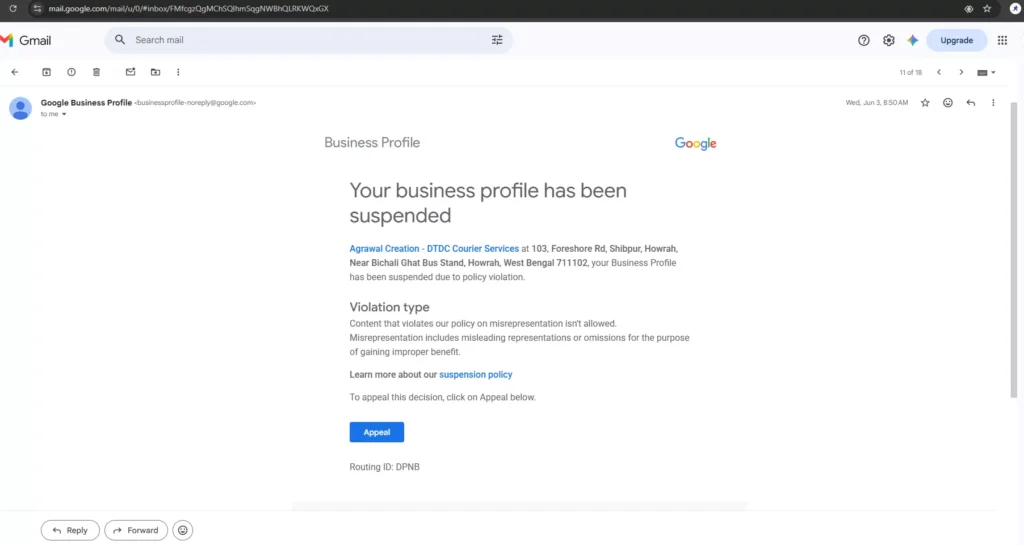
Getting a Google Business Profile suspended is frustrating, especially when you’ve done everything by the book. But how you respond after a rejection matters just as much as the original setup. A lot of business owners make the situation worse by reacting too quickly with the wrong fixes.
Here’s a clear list of what to avoid and what actually helps.
Things to Avoid After a Suspension
- Don’t create a new Gmail account and re-list the same business. Google tracks patterns. A fresh email with the same business details often gets flagged faster than your original listing.
- Don’t change your phone number just to “reset” the listing. Switching numbers without a real reason looks inconsistent and can raise more red flags during review.
- Don’t slightly alter your business name to bypass the suspension. This is one of the most common mistakes. Google sees this as an attempt to hide identity, and it usually leads to another suspension.
- Don’t submit the same appeal repeatedly without changing anything. If an appeal was rejected, resubmitting the exact same documents will almost always get rejected again.
- Don’t ignore the specific suspension reason mentioned in the email. Each suspension type (policy violation, misrepresentation, etc.) needs a different response. Treating every suspension the same way wastes your appeals.
- Don’t rely only on a single document like a GST certificate. One document is rarely enough on its own to prove legitimacy during an appeal.
- Don’t panic and delete the profile. Once deleted, you often lose the appeal history and have to start the entire process from zero.
- Don’t trust random “guaranteed approval” services found on social media. Many of these use shortcuts that violate Google’s policies and can get your business permanently restricted.
How I Listed DTDC Courier Business on Google Maps after 2 Suspensions and 2 Appeal Rejections
Things to Do Instead
- Read the suspension email carefully. It specifies the exact violation type. Your next step depends entirely on this.
- Gather 2–3 strong supporting documents, not just one. A combination works far better than a single certificate. Useful documents include business registration, trade license, utility bills, and invoices issued to real customers.
- Make sure every document matches your listing exactly — same business name, same address, no inconsistencies.
- Reach out to a Product Expert in the Google Business Profile Community. This is one of the most underused resources. Real, experienced volunteers review cases and guide you toward the specific re-appeal process, which is different from a standard appeal.
- Use the re-appeal link for denied appeals, not the regular appeal button, once your first appeal has already been rejected.
- Prepare a stronger video verification. Turn on your device’s location, physically interact with business assets (open a drawer, lift a product, hold up your documents to the camera), and show the signage clearly.
- Be patient with the timeline. Suspension recovery can take multiple attempts. Most businesses that succeed do so on their second or third try, not the first.
- Keep your business information consistent everywhere — website, social media, invoices, and signage should all show the same business name and address.
A suspension is not a permanent rejection. It usually means Google needs clearer proof that your business is real and operating at the stated location. The businesses that get approved are the ones that respond with better documentation and a clearer verification, not the ones that try to outsmart the system with new emails or altered details.
Final Thoughts
Getting listed on Google Maps isn’t complicated, but it does require patience and attention to detail. Most rejections happen because of mismatched information or unclear verification, not because the business itself doesn’t qualify.
If you’re setting this up for the first time, take it slow, get your documents in order first, and make sure everything lines up before you submit.